BLUETTI Hub A1 Parallel Box for Apex 300
$699.00

We Beat Any Price
Found the same price or less? Just ask & we'll beat it.
Found the same price or less? Just ask & we'll beat it.

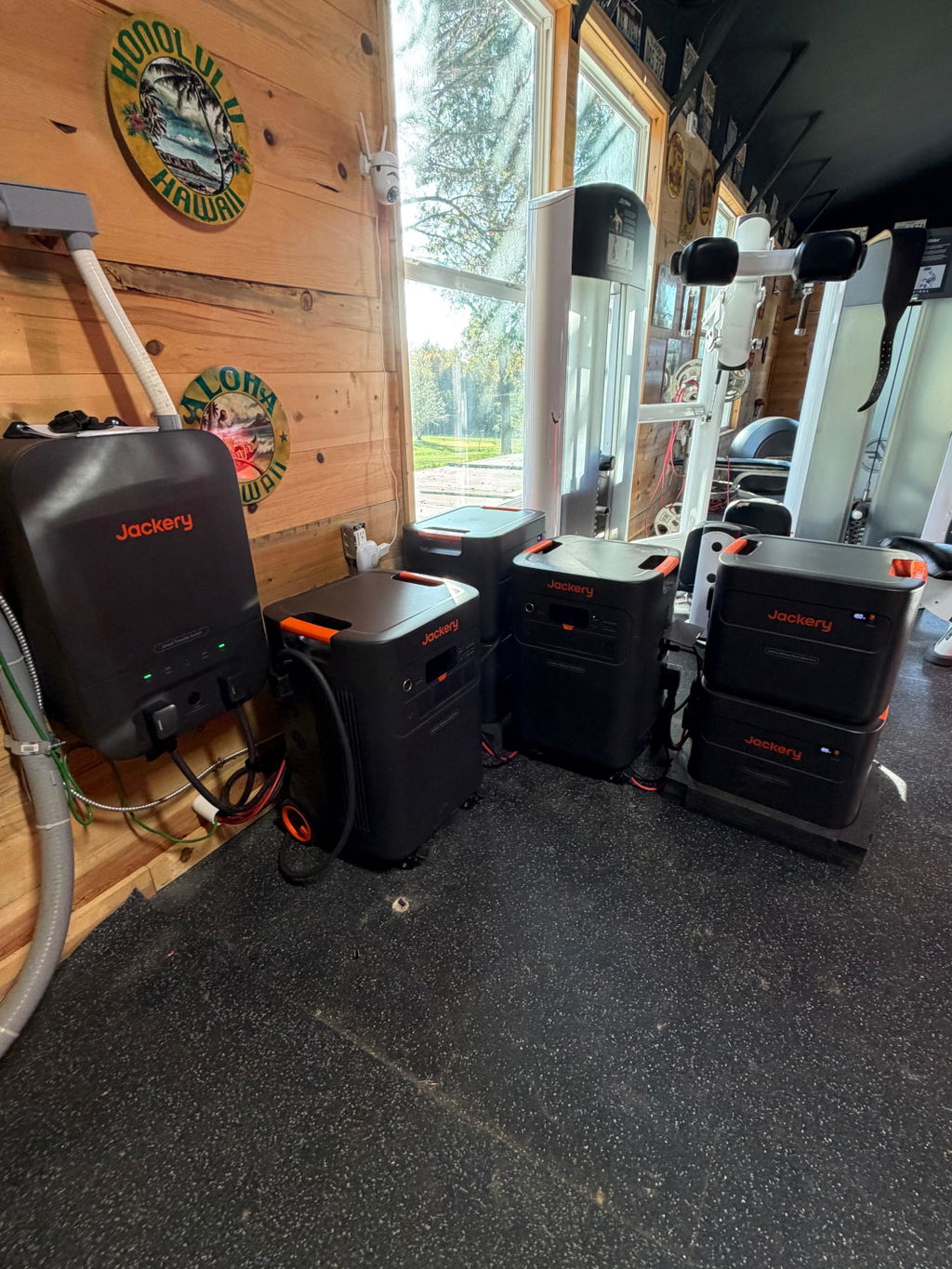
The BLUETTI Hub A1 Parallel Box for Apex 300 is the connection point that lets you run two or three Apex 300 power stations together. Each unit plugs into the hub with its own parallel connection cable, and the hub joins them into a single system.
It's made for owners who need more output or more battery capacity than one Apex 300 provides. Choose the option with two parallel connection cables for a two-unit system or three cables for a three-unit system.
BLUETTI's Apex 300 manual states that two or three units can be connected in parallel using the Hub A1 parallel box. Two units provide up to 7,680W. Three units provide up to 11,520W.
With 12 B300K batteries, a two-unit system reaches 38,707.2Wh of capacity. With 18 B300K batteries, a three-unit system reaches 58,060.8Wh.
Power on one Apex 300 and the others in the system turn on automatically. Settings from one unit sync with all connected units. For the BLUETTI app to control the charging mode, set every unit to Auto.
The Apex 300's AC output voltage selector is unavailable in parallel mode. The output is set to 240V by default.
The hub has three covered parallel ports and two covered AC output outlets. BLUETTI lists 30A and 50A output options for the Hub A1.
Higher output. Combine units when the total load is more than one Apex 300 can supply. A single Apex 300 is rated for 3,840W maximum.
Longer runtime. Add B300K batteries to each unit to build a larger shared battery bank.
Charging several units together. BLUETTI lists simultaneous charging for all connected units.
One Apex 300 stands alone and stays within its own output and capacity limits. Connecting units through the Hub A1 raises the combined output and lets you add more batteries.
Each Apex 300 in the system connects to the hub with its own parallel cable. The two-cable option fits a two-unit system. The three-cable option fits three units.
Make sure all Apex 300 units are powered off before you connect them. To disconnect, hold the AC power button on one unit until the AC input and output power show OFF, unplug its parallel cable from the hub, then close the cover of the unused port. Follow the Hub A1 User Manual for full details.
Two or three, according to BLUETTI's Apex 300 manual.
Yes. All units must be powered off before you connect them.
Pick the number of cables that matches the number of Apex 300 units you plan to connect, two or three.
The option with 2 parallel connection cables includes 2 cables. The option with 3 parallel connection cables includes 3 cables.
The BLUETTI Hub A1 Parallel Box for Apex 300 turns separate units into one larger system. If you have questions about sizing or cable options, the Outbound Power team is happy to help.
BLUETTI Hub A1 Parallel Box for Apex 300 Specifications |
|
|---|---|
| Fit | |
| Compatible Product | Apex 300 |
| Units Connected in Parallel | 2 or 3 Apex 300 units |
| Parallel System | |
| Two Apex 300 Units | Up to 7,680W |
| Two Units With 12 B300K Batteries | 38,707.2Wh |
| Three Apex 300 Units | Up to 11,520W |
| Three Units With 18 B300K Batteries | 58,060.8Wh |
| AC Output Voltage in Parallel | 240V (default) |
| Apex 300 Parallel Port | 3,840W max, requires Hub A1 |
| Hub A1 | |
| Output Options | 30A / 50A |
| Parallel Ports | 3 |
| AC Output Outlets | 2 |
| Options | |
| Hub A1 + 2 Parallel Connection Cables | 1 hub and 2 cables |
| Hub A1 + 3 Parallel Connection Cables | 1 hub and 3 cables |
Yes! Outbound Power is an Authorized Dealer for every single brand and product on our store.
Shipping times vary depending on your location and the product or products ordered.
Order Processing Time
Most products are processed within 1-3 business days. If there is a delay in processing your order, we will alert you with as much information as possible about what to expect.
After order processing is complete, you will receive tracking information to monitor your order while it is in transit.
Order Shipping Time
Following processing, it may take between 3 and 8 days to arrive, depending on your location.
Please refer to the product page for your item and reference the estimated delivery time frame for more details.
Additionally, you can see the estimated delivery time frame during checkout and receive a tracking number once your order ships.
Everything on our store ships for free. Really!
Most items may be returned within 30 days of delivery. Please refer to our Returns & Exchanges policy to determine what items are eligible. Returns are not accepted beyond 30 days following delivery.
Everything sold on our website is brand-new.
No — we price BEAT! Please refer to our Price Beat Promise for full details.

Click to apply at checkout
placeholder